このページは日本語でもご覧いただけます。日本語で読む
Diese Seite gibt es auch auf Deutsch.Auf Deutsch lesen
Cette page existe aussi en français.Lire en français
iPhone and iPad matcha app
Your matcha companion
Keep your matcha tins, brewing recipes and tasting notes together. See what's open, save the amounts behind each bowl, and learn what you like.
Shelf
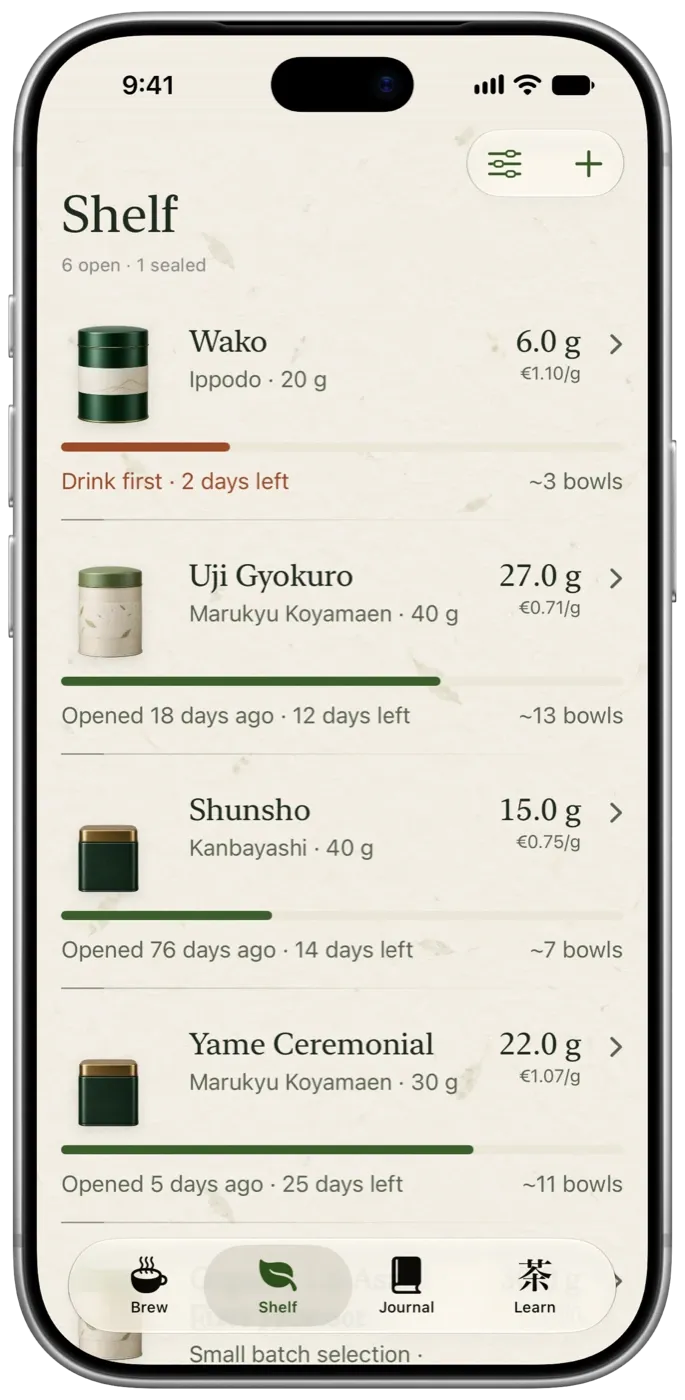
Know what you own.
Add a tin with its name and weight. Every bowl you make comes off the tin, so you always know about how much is left, how long it's been open and what each bowl costs.
- Grams leftUpdated with every bowl you log.
- Open for a whileCalm freshness labels, so the oldest tin gets used first.
- Cost per bowlFrom what you paid for the tin.
- WidgetWhat's left in your open tin, on your home screen.
Brew
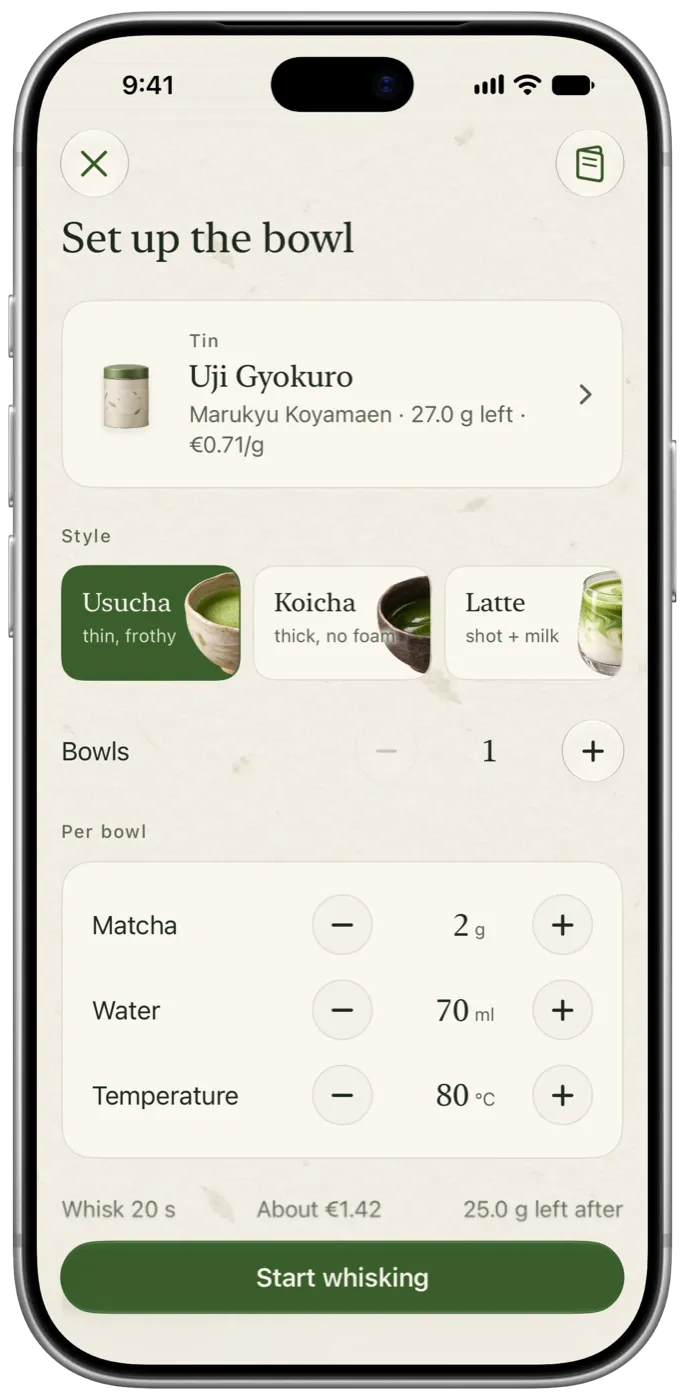
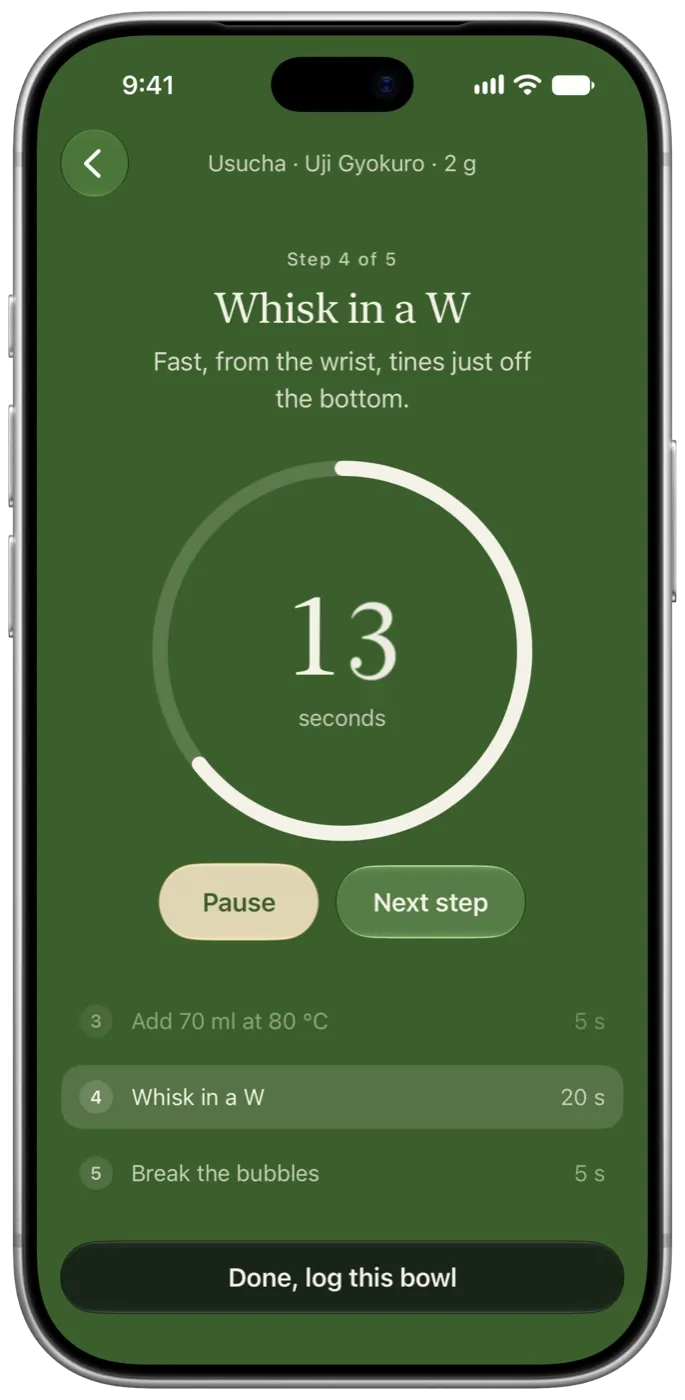
Remember how you made it.
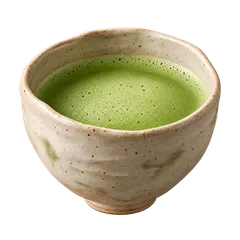
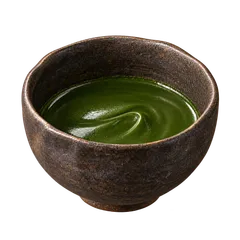
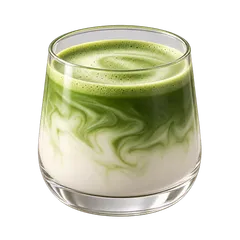
Start from your last bowl, a saved recipe or one of three starting points. A calm timer walks you through cooling the water, sifting, whisking and finishing, and every bowl keeps its exact amounts.
Journal
Learn what you like.
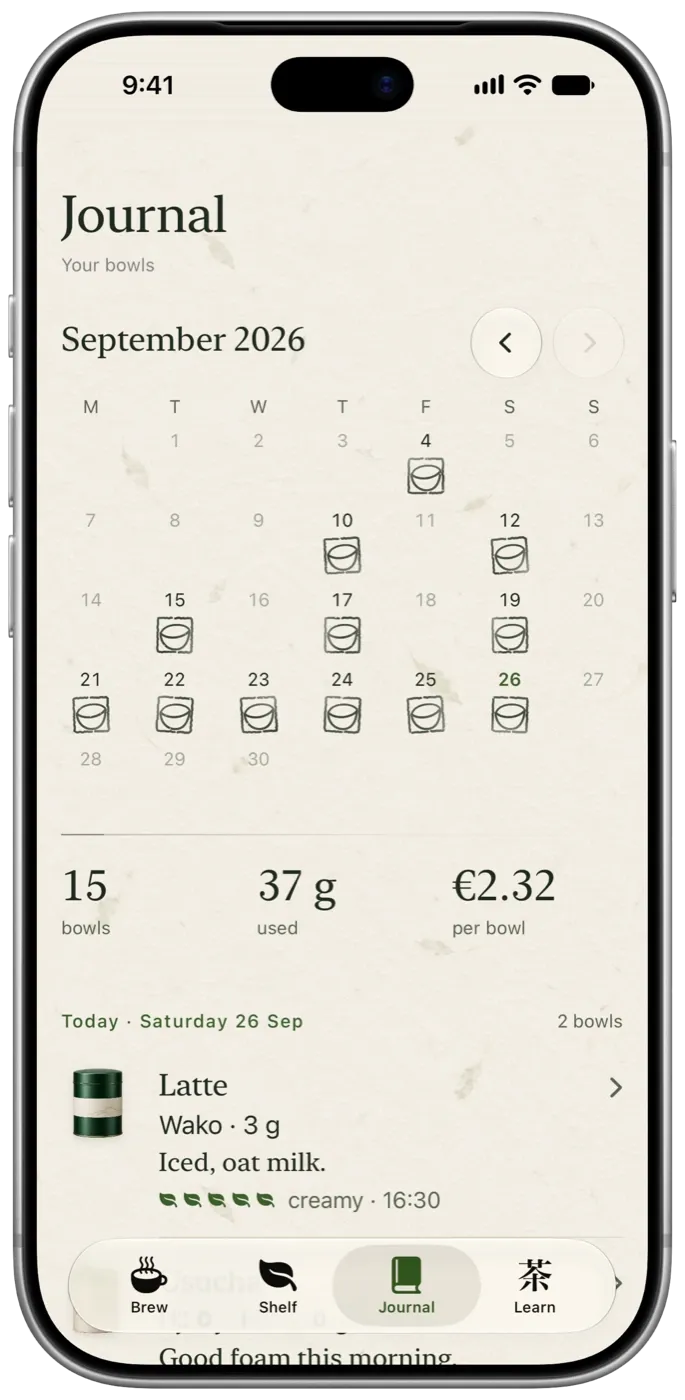
Rate a bowl with a few leaves, pick the words that fit and add a note if you want to. Over time the Journal shows which tins and recipes you keep coming back to.
Learn
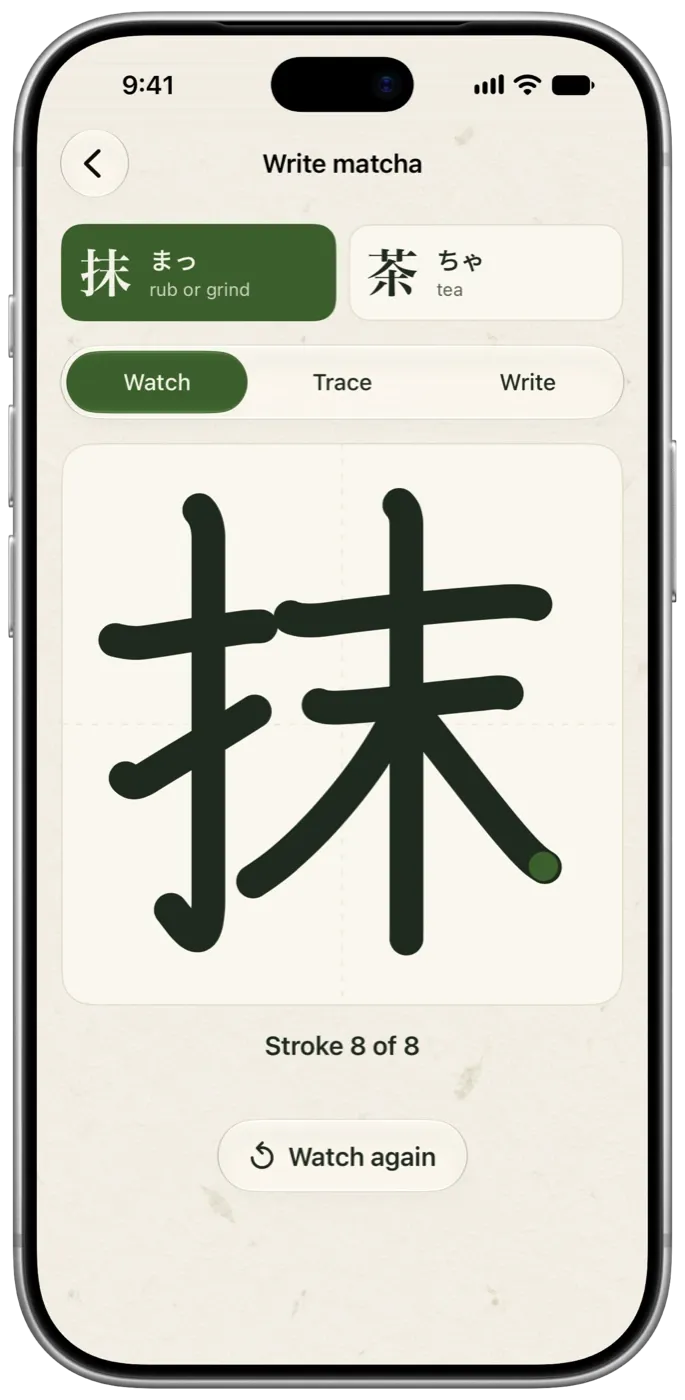
Write matcha by hand.
Short notes on making matcha, and a writing practice for its two characters. Watch each stroke, trace it, then write it on your own.
抹茶まっちゃmatcha
Private
Your matcha collection stays private.
Tama works on your device and syncs through your own iCloud account when it's on. You don't need an account, there are no ads, and nobody else sees your shelf. How Tama handles your data
Tama+
More room for your shelf.
Tama
Free
- Up to 3 tins and 3 saved recipes
- Brewing, timer and journal
- Learn and writing practice
Tama+
One-time purchase
- Unlimited tins
- Unlimited saved recipes
- Everything in Tama
Recipes
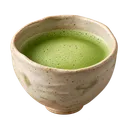
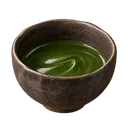
Recipes to start from.


Blog
Notes on making matcha.
Good to know
Questions
- What is Tama?
- Tama is a matcha app for iPhone and iPad. It tracks the tins you own, how you made each bowl and how it tasted, so you can make your favourites again.
- Do I need an account to use Tama?
- No. There's nothing to sign up for. Your shelf, bowls and recipes stay on your device and sync through your own iCloud account when iCloud is on.
- Is Tama free?
- Yes. Tama is free to download and use with up to three tins and three saved recipes, with every brewing, journal and learning feature included. Tama+ is a one-time purchase for unlimited tins and recipes.
- Which devices does Tama run on?
- iPhone and iPad with iOS 26 or later. A small home-screen widget shows how much is left in your open tin.
- Does Tama work offline?
- Yes. Tama doesn't need a connection. If iCloud sync is on, it catches up when you're back online.
- What's the difference between usucha and koicha?
- Usucha is thin tea: about 2 g of matcha whisked with 70 ml of water until lightly foamy. Koicha is thick tea: about 4 g with 40 ml, kneaded slowly into a glossy paste without foam.
- How much matcha do I need for a latte?
- A good starting point is 3 g of matcha whisked with 60 ml of water at about 80 °C, poured over 180 ml of milk. Use less milk for a bolder latte and more for a mellower one.
- What water temperature should I use for matcha?
- Many people start around 75 to 80 °C: boil the water and let it sit for about two minutes. Cooler water often tastes gentler, while hotter water can bring out bitterness.
Make the bowls you liked again.